
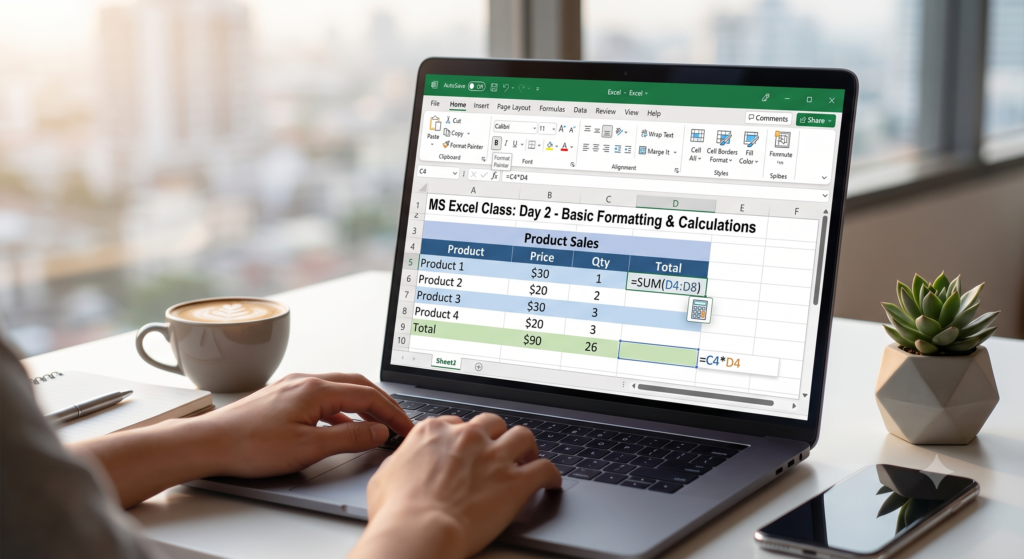
Title Options
- Option 1: 📊 MS Excel Day 2: Basic Formatting & Simple Calculations!
- Option 2: 🚀 Master MS Excel – Day 2: Make Your Data Look Good & Work Smart!
- Option 3: Day 2: Cell Formatting & Basic Math in Excel 💻✨
Description / Content
Welcome back to Day 2 of our MS Excel Learning Series! 🚀
Yesterday, we learned how to navigate the grid and enter data. Today, we are taking it a step further by learning how to make our data look professional and perform some basic calculations. Let’s dive in!
📝 What we are covering in today’s class:

- 🎨 Formatting Basics: How to change font styles, apply bold/italics, and add background colors to cells.
- 📏 Adjusting Rows & Columns: Easily resizing column widths and row heights so your text fits perfectly.
- 🔲 Adding Borders: Making your data look like a proper, clean table.
- ➕➖ Basic Calculations: Writing your very first formulas to Add (+), Subtract (-), Multiply (*), and Divide (/) using the
=sign.
Making your spreadsheet easy to read is just as important as the data inside it. Practice these tools today!
Save this post to keep track of your progress, and stay tuned for Day 3! Drop a “Done” in the comments once you have practiced today’s lesson! 👇
Hashtags
#MSExcel #ExcelDay2 #LearnExcel #ExcelFormatting #ExcelFormulas #ExcelTipsAndTricks #DataFormatting #SkillBuilding #MicrosoftExcel #SpreadsheetSkills